Mycel
Beta on Mac, iOS, and AndroidA macOS menu bar app with iOS and Android companions for watching GitHub Actions: workflow runs across every repo, self-hosted runner health, Actions billing, and on-device AI that explains why a run failed, without opening a browser.
What it does
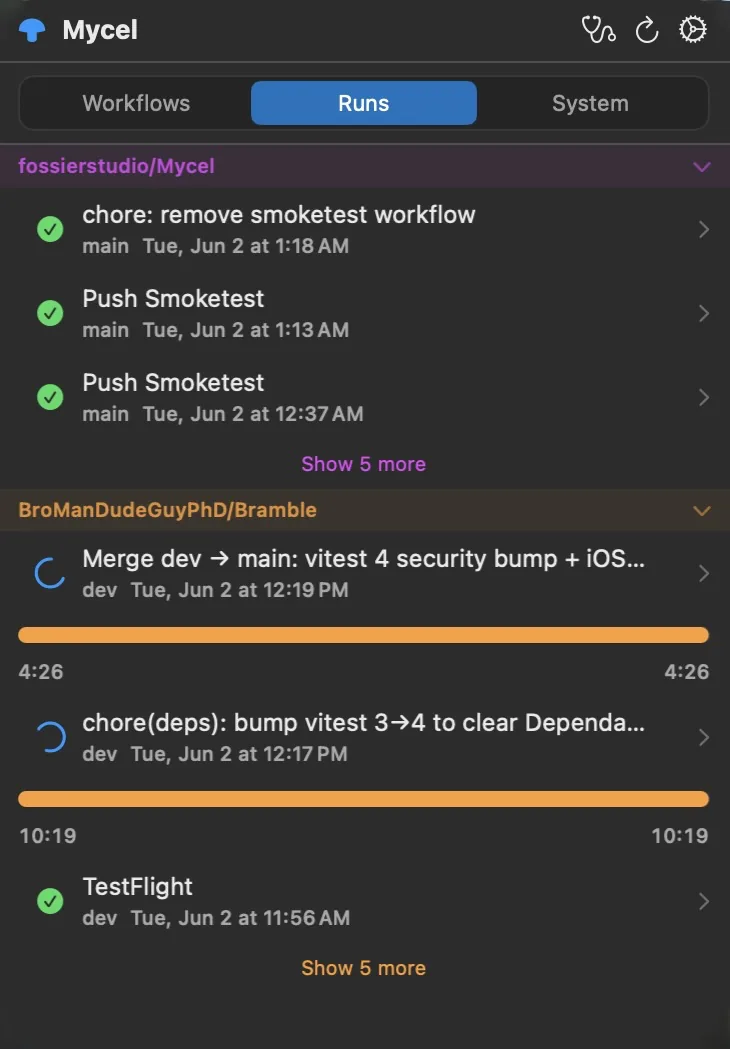
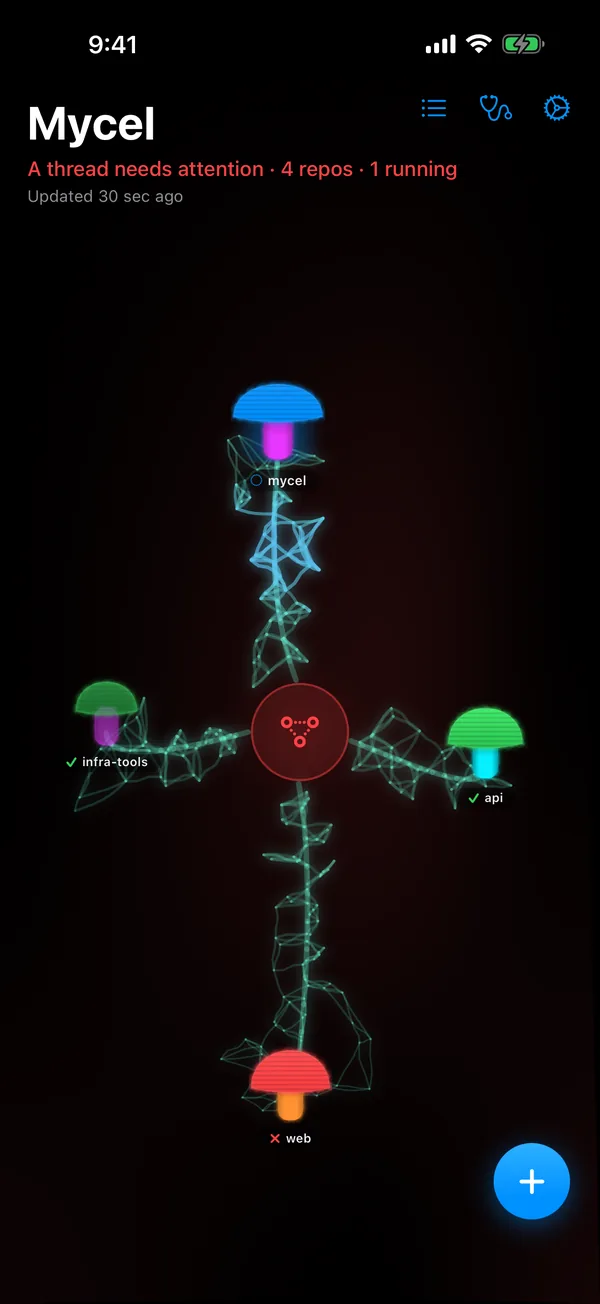
The menu bar icon is a mushroom whose cap changes color with the health of your repos. Open it for live run status, the self-hosted runners on your Mac (which you can start and stop), and your Actions billing. Failure notifications come with buttons to re-run the failed jobs or open the run.
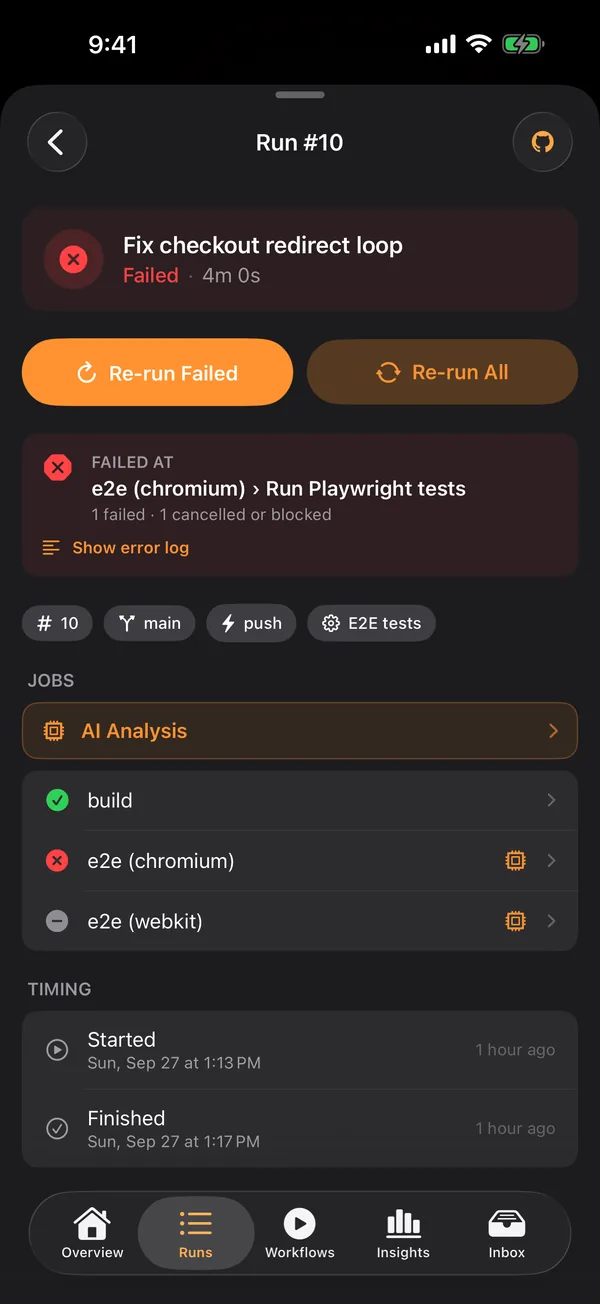
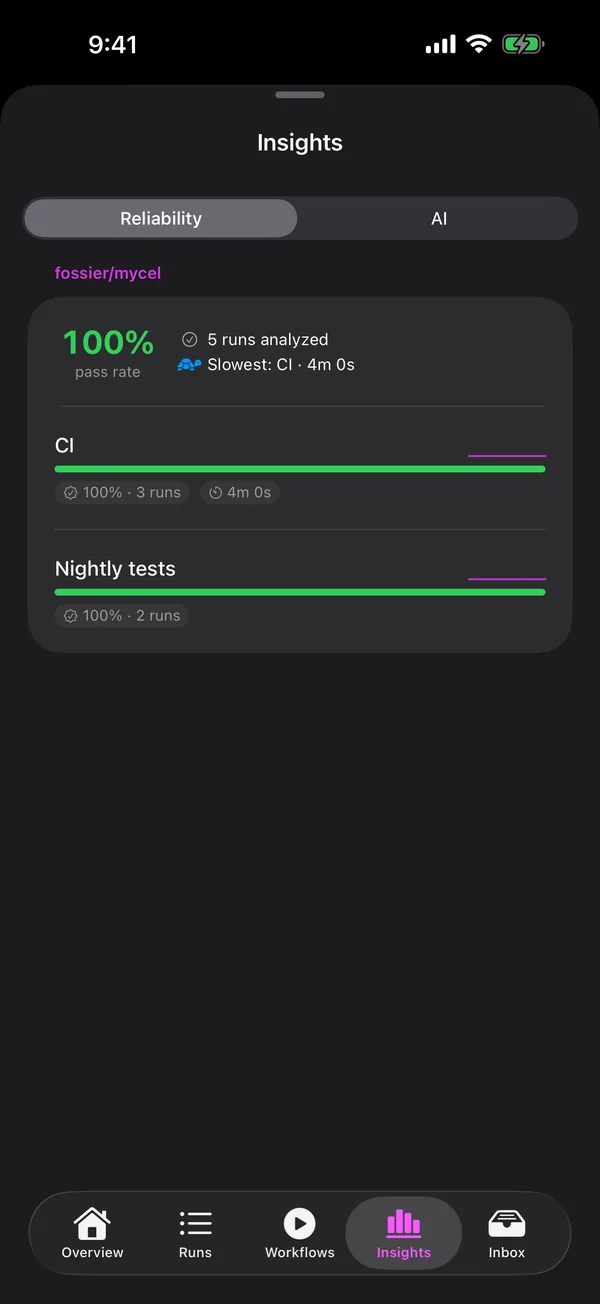
When a job fails, Mycel can read its log and explain the failure, and look across a workflow’s recent runs for patterns. It runs on Apple Foundation Models on the device, on a local Ollama model it installs for you, or on your own Anthropic key. With the first two, logs never leave the machine.
On iPhone, Mycel adds lock-screen and home-screen widgets and Live Activities that follow a run while it’s in progress. The Android app is in open beta on Google Play, and a native Windows app is on the way.
The Mac and iOS apps are in beta on TestFlight ahead of the App Store. Mycel is free for one repo; Pro, by subscription or a one-time purchase, unlocks every repo, notifications, and the iOS app, with a 7-day trial.
How it’s built and run
- Apps
- Swift and SwiftUI, with AppKit for the menu bar, plus SwiftData, WidgetKit, and ActivityKit. Shared logic lives in a local Swift package with no third-party dependencies. macOS 14 and iOS 17 or later.
- Android and Windows
- Kotlin and Jetpack Compose on Android. The Windows app, in progress, is WinUI 3 on .NET 9, native rather than wrapped.
- AI analysis
- One interface over three backends: Apple Foundation Models, Ollama (which the Mac app installs and sets up in one click), and the Anthropic API with a key kept in the Keychain. Results are cached on the device and deleted on sign-out, since they quote the account’s logs.
- GitHub
- Polls each repo every 30 seconds with conditional requests, so a quiet repo costs almost nothing against the rate limit, and backs off when it does hit the limit.
- Push relay
- A TypeScript Cloudflare Worker that receives GitHub App webhooks, verifies their signatures, and sends notifications and Live Activity updates through APNs.
- Runners
- A privileged XPC helper finds the self-hosted runners launchd manages on the Mac and starts or stops them, so the sandboxed app never needs those permissions itself.
- Releases
- GitHub Actions works out which platform changed, gates on the shared package’s tests, then archives and uploads the iOS and macOS builds to TestFlight from a self-hosted Mac runner. Android builds on ironman and uploads to Google Play testing, and mycel.live deploys from a self-hosted Linux runner.
- Tests
- About 70 unit tests on the shared core: conditional-request caching, rate-limit handling, run diffing and de-duplication, and API decoding.
Engineering notes
-
Polling every 30 seconds without burning the rate limit
Every request carries the ETag from the last response, so an unchanged repo gets a 304 that doesn’t count against GitHub’s limit. A 403 is classified as either a rate limit or a permissions problem from its headers and body: rate limits are waited out, other errors back off exponentially up to five minutes, and one failure never stops the stream.
-
One Live Activity per run, even when webhooks repeat
GitHub retries webhook deliveries, which would start duplicate Live Activities. The relay records each run in Workers KV with a 24-hour expiry and ignores repeats, prunes device tokens Apple reports as dead, and falls back between Apple’s sandbox and production push servers.
-
A sandboxed app that manages runners
Starting and stopping launchd services is off-limits to a sandboxed app. Mycel hands that work to a small privileged helper over XPC, which finds runners by their launchd definitions and controls them on the app’s behalf.